 Save it.
Plan it.
Shop it.
Save it.
Plan it.
Shop it.
Save recipes from the web, organize them into cookbooks, plan your week, and shop from dedicated grocery lists.





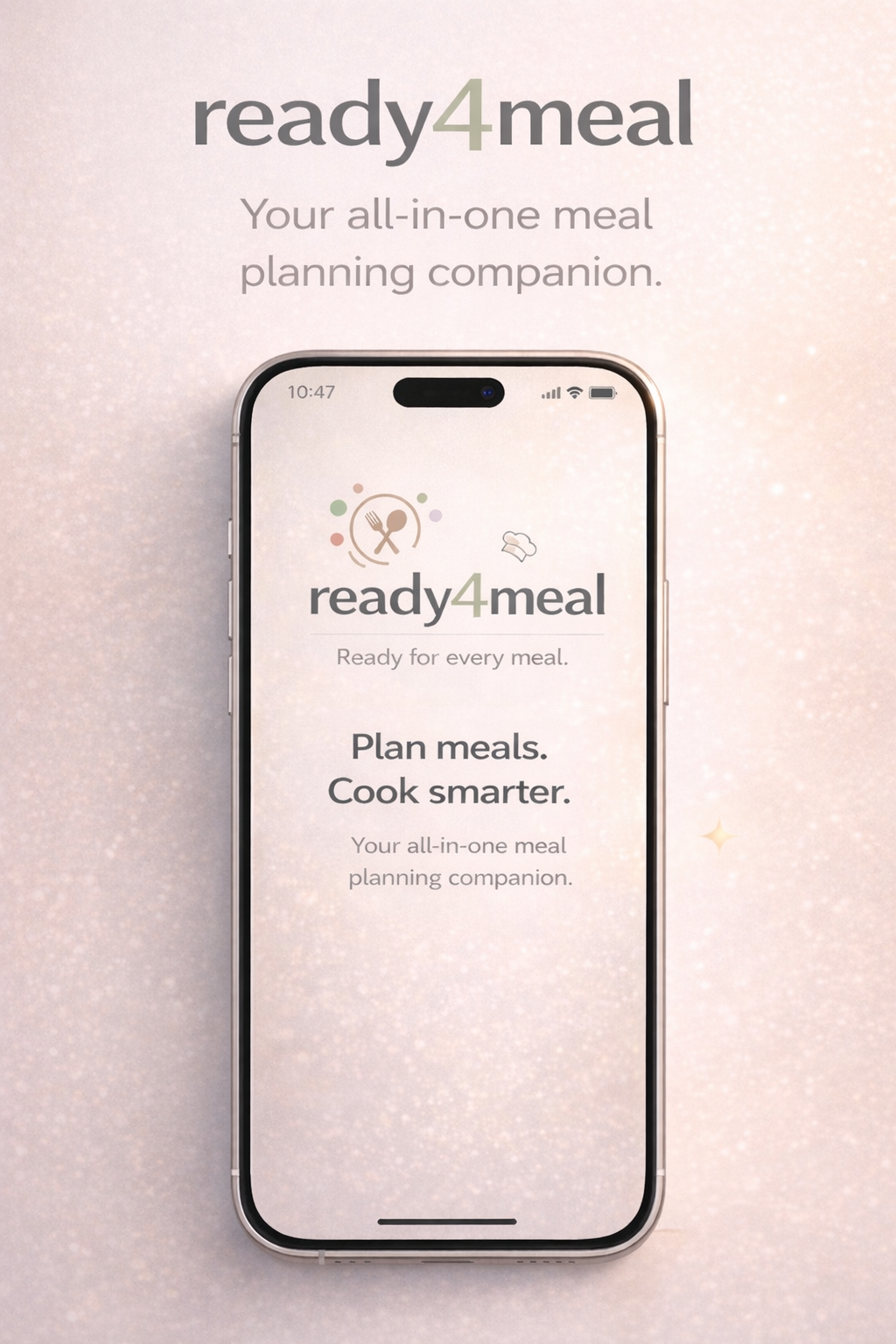
App preview
1 / 7


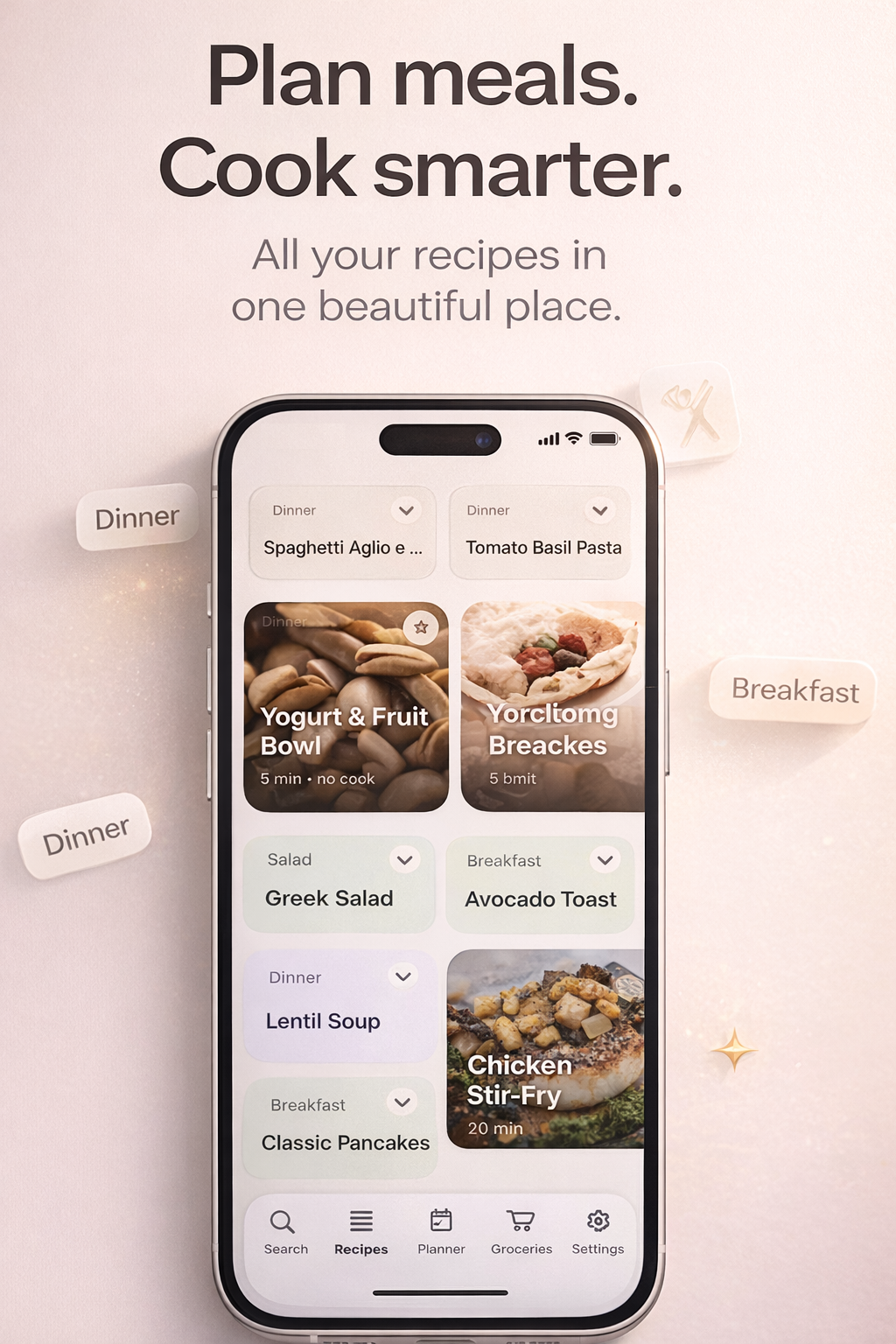
Recipe imports
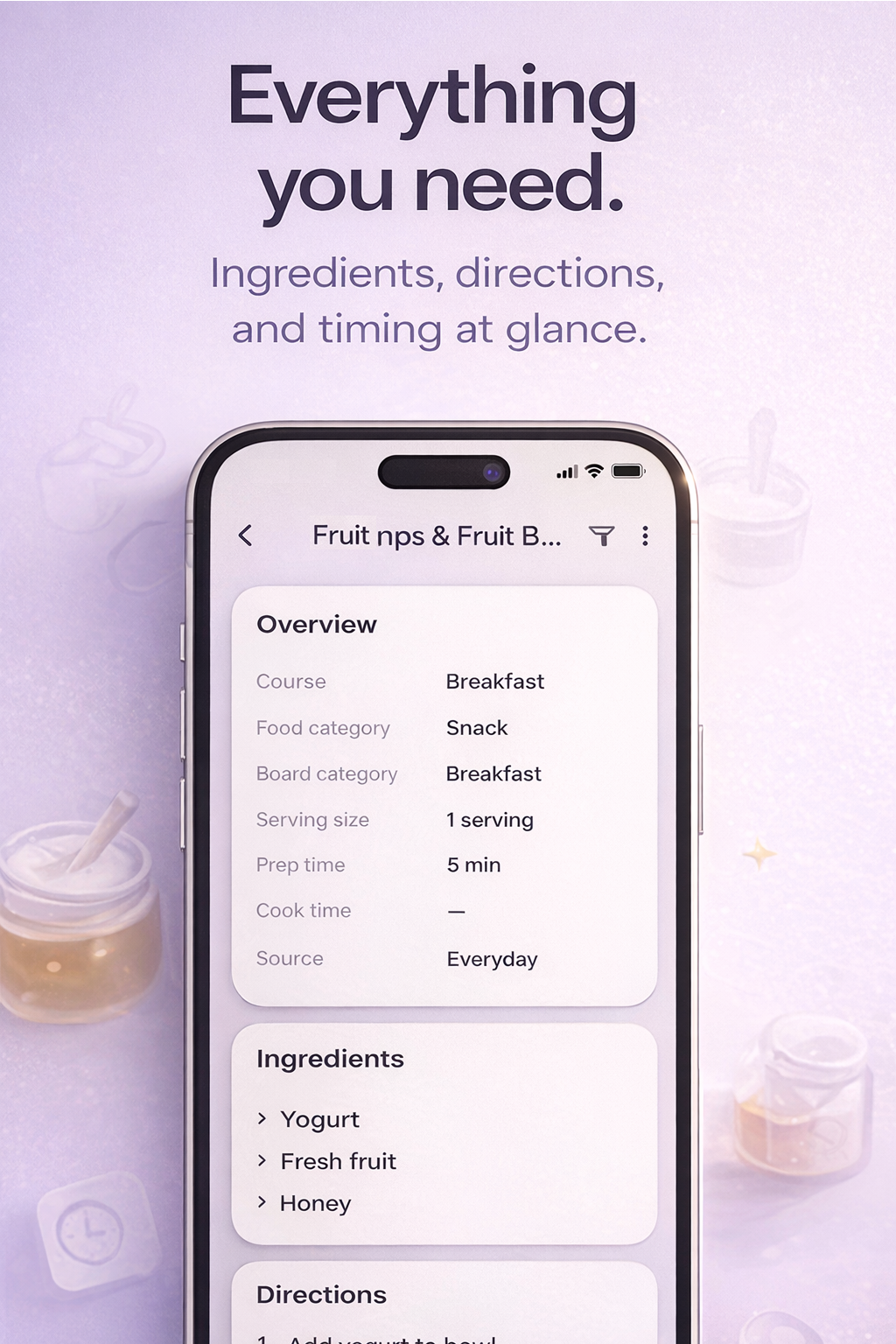
Open a recipe from this site in ready4meal and review every detail before saving.
Personal cookbooks
Create collections with custom covers and keep the same recipe in more than one cookbook.
Dedicated grocery lists
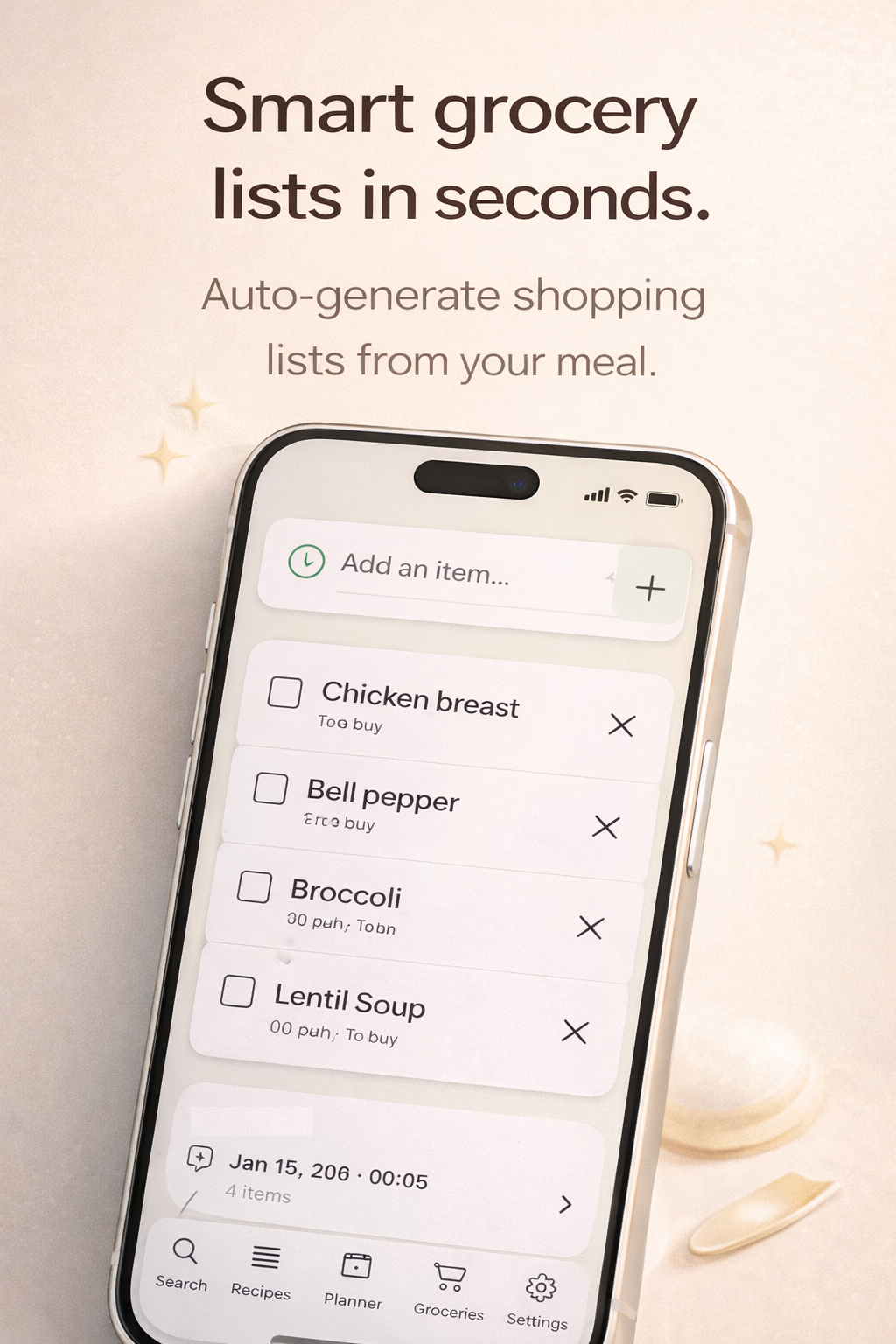
Keep separate lists for recipes, stores, and shopping trips without overwriting existing lists.
Weekly planner
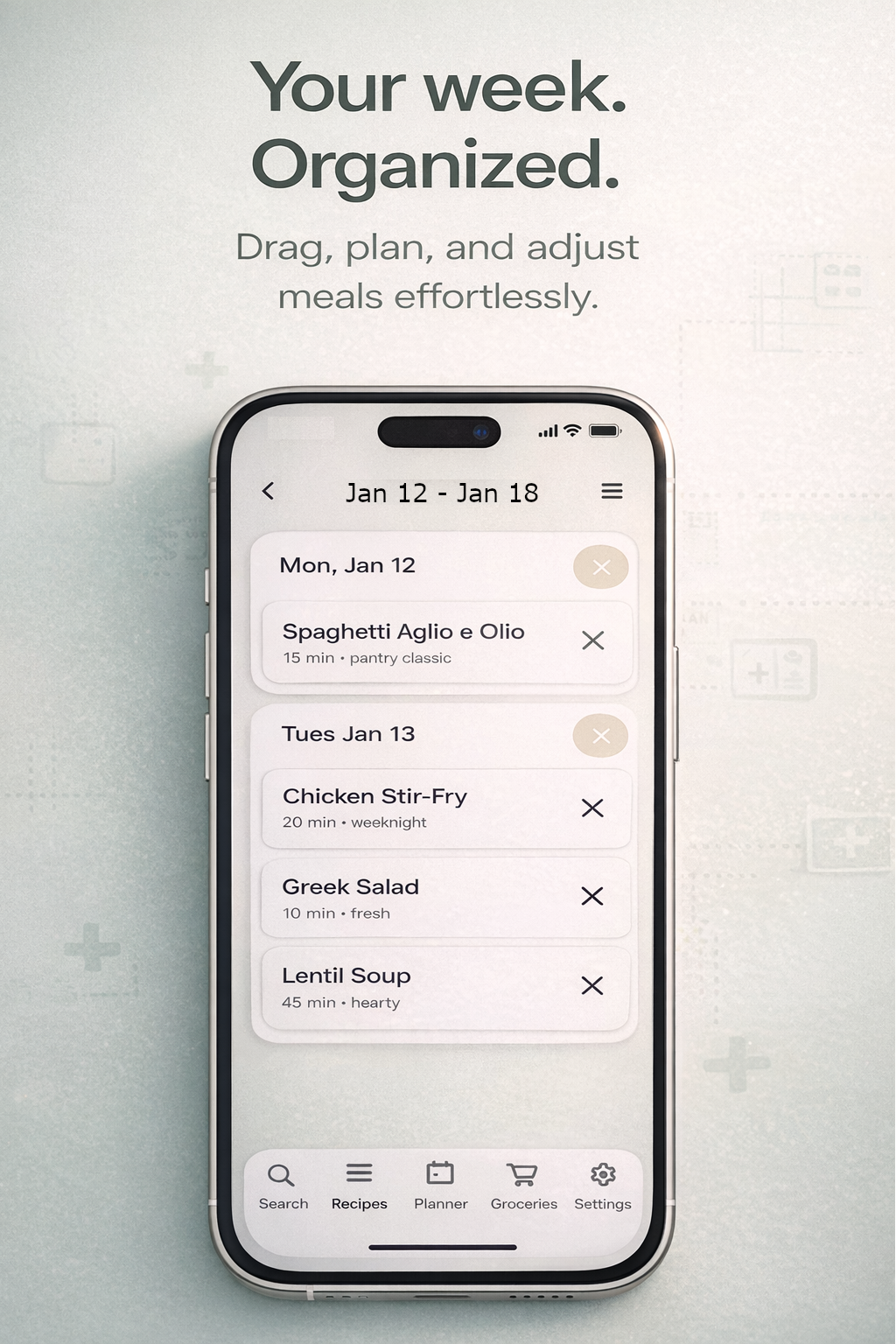
Arrange meals by day, see your week at a glance, and send planned ingredients to a list.
Useful item details
Add quantities, units, estimated prices, and notes only when you need them.
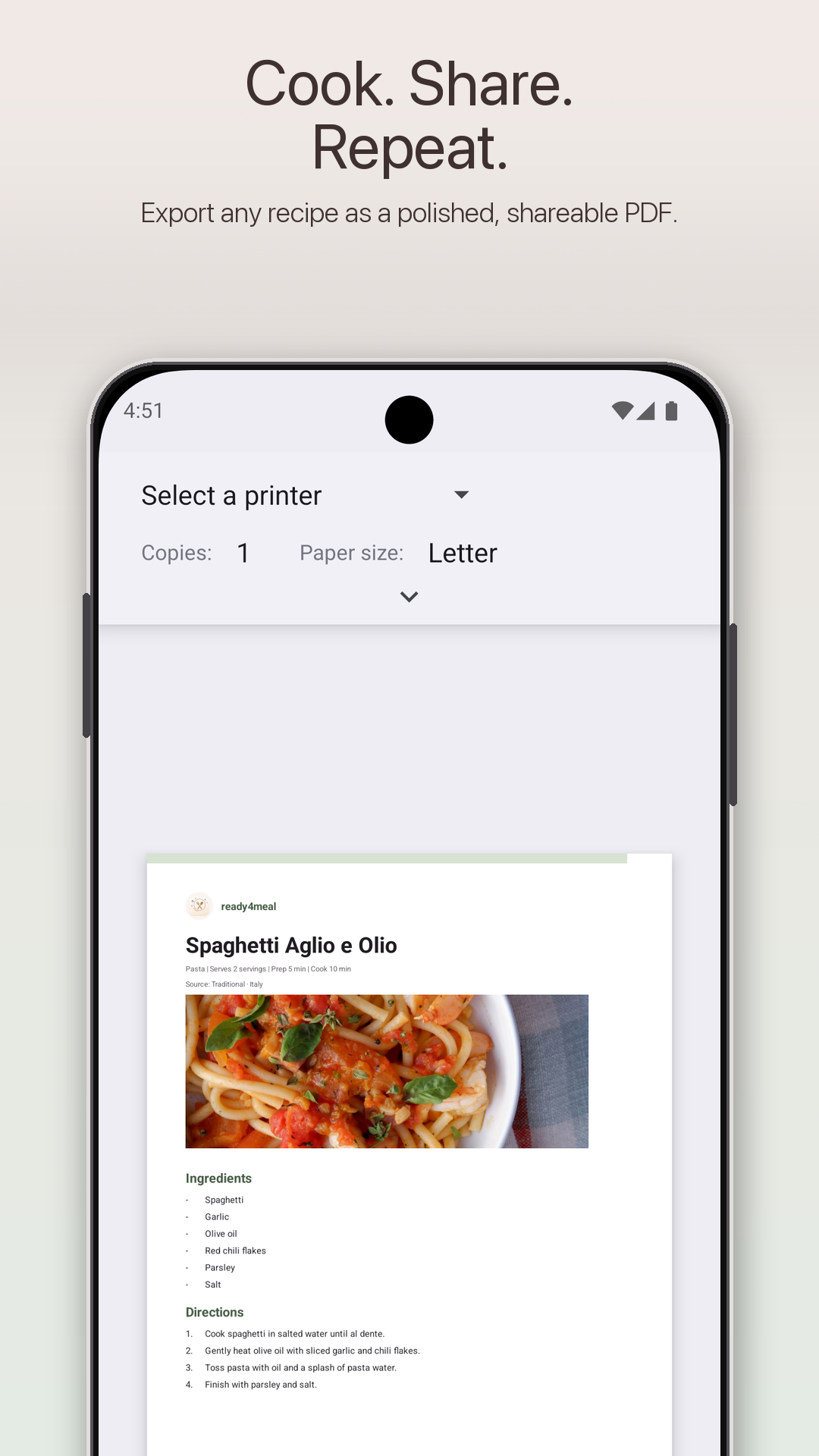
Recipe PDF export
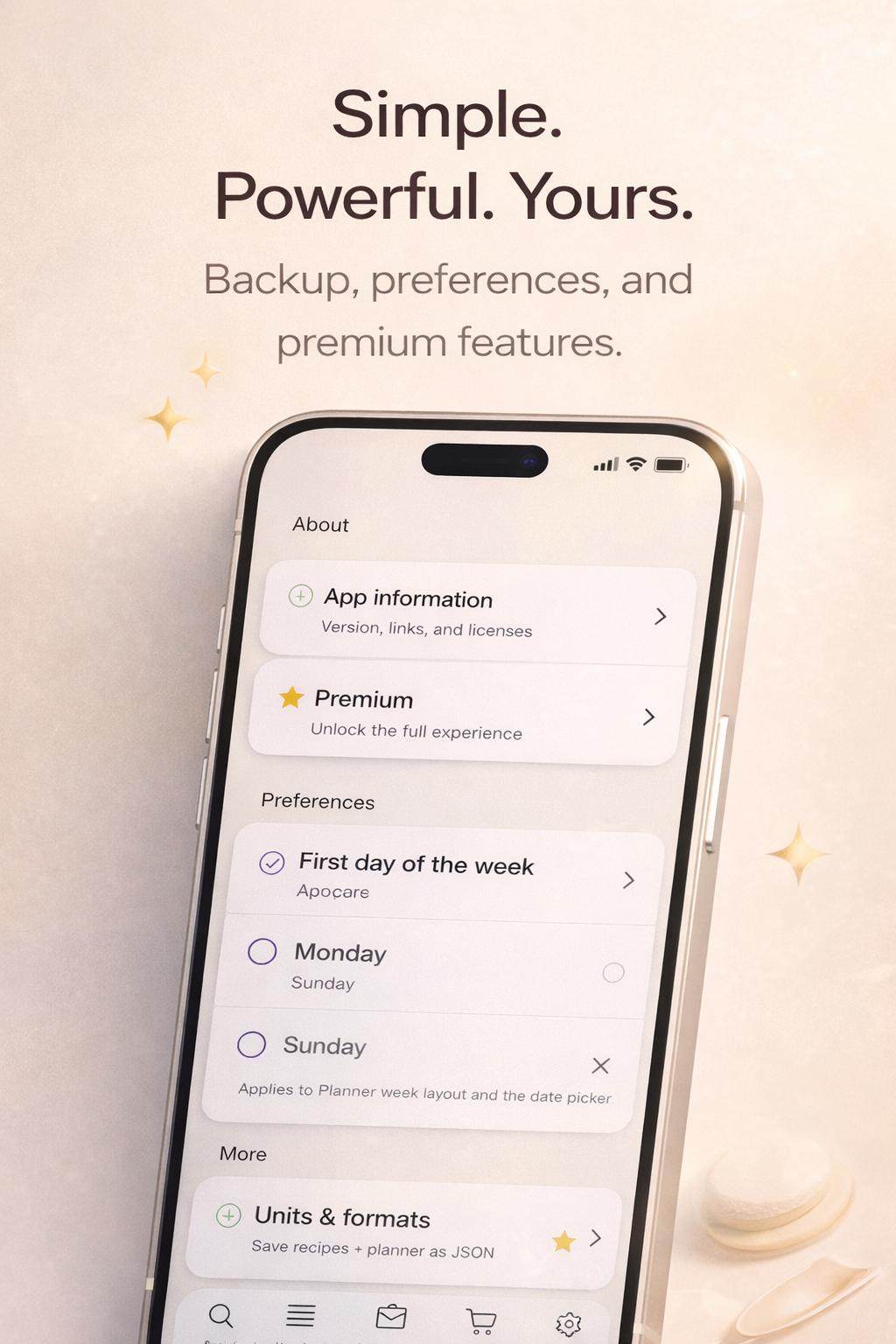
Create a polished recipe PDF and share it through the apps already on your device.
FAQ
How does importing work?
Open any recipe on this site and tap Import to app. ready4meal opens an editable draft so you can review the ingredients, directions, timing, notes, and image before saving.
Does ready4meal work offline?
Yes. Your recipes, cookbooks, plans, and grocery lists are stored on your device and the core app works offline. Internet access is only needed for online features such as web imports and update checks.
Do you support iOS?
Yes. ready4meal is available on the App Store, as well as on Google Play and Huawei AppGallery.
Need help?
Email support: support@simpledailyapps.com
 Billiary — Track your monthly bills
 A House Life — Organize your home
 View all apps